DK Hardware 2024-08-23 – 16:41:47
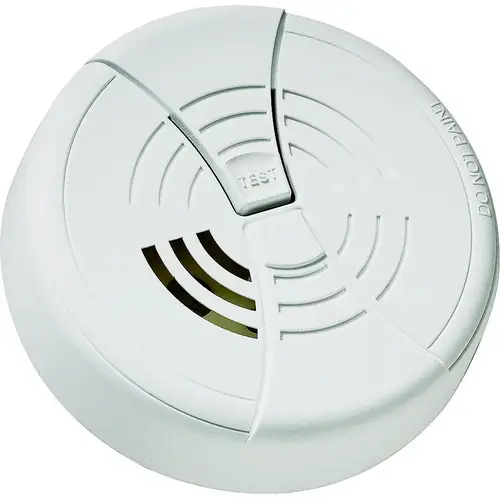
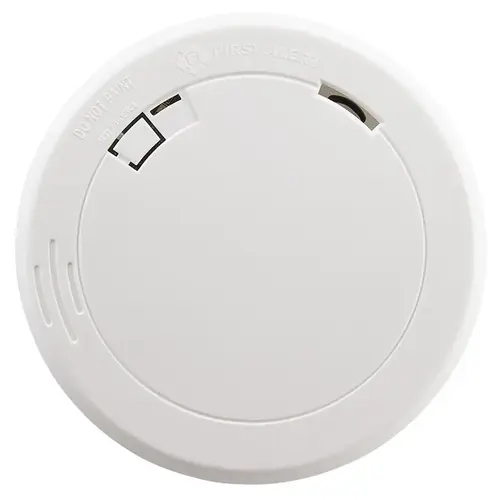
Locate the Alarm: Make sure you know where the alarm is mounted, whether on the ceiling or wall.
Remove the Alarm: Twist the alarm counterclockwise to remove it from the mounting bracket.
Open the Battery Compartment: Find the battery compartment on the back of the alarm. It usually has a hinged cover.
Replace the Battery: Remove the old 9V battery and replace it with a new one. Ensure the positive and negative terminals are correctly aligned.
Close the Battery Compartment: Snap the battery compartment cover back into place.
Reattach the Alarm: Place the alarm back onto the mounting bracket and twist it clockwise to secure it.
Test the Alarm: Press the test button to ensure the alarm is working properly.