profile-dk-logo
DK Hardware 2024-09-28 – 06:10:00
Technical Team

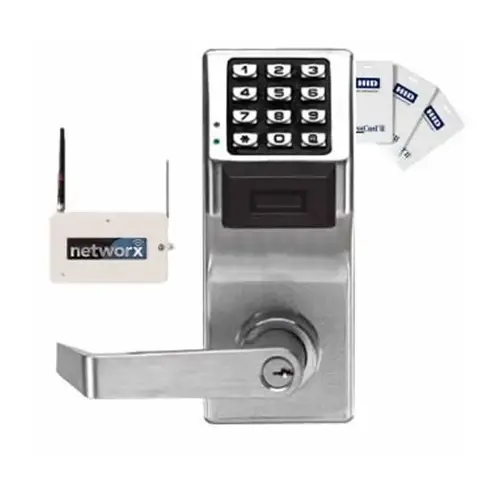
To connect the Alarm Lock PDL6100 US10B Wireless Trilogy Networx remotely, follow these steps: Network Connection: Ensure the lock is connected to your existing network or Ethernet. This can be done wirelessly or through wired connections DL-Window Software: Use the DL-Window software on a Windows PC connected to the same network. This software allows you to control and program the lock remotely Configuration: Configure the lock through the software by following the programming instructions provided in the documentation package

Security, Architectural & Storefront

Security Solutions Image
View our complete selection of Security, Architectural & Storefront to find the one that suites your needs.