DK Hardware 2024-09-29 – 18:44:42
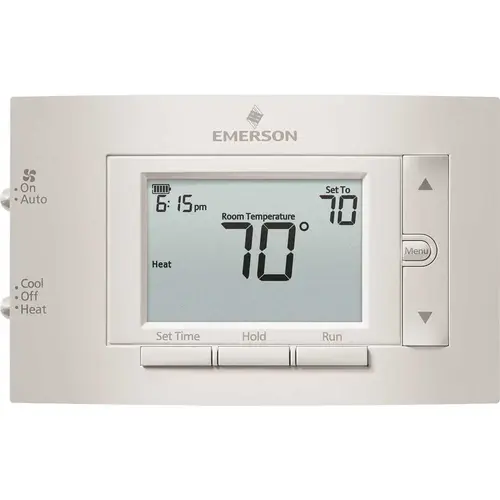
To remove the cover and change the battery on your Emerson 1F83C-11PR Digital Thermostat, follow these steps:
Remove the Thermostat from the Wall:
Gently pull the thermostat straight off the wall plate. It should come off easily without the need for tools.
Locate the Battery Compartment:
On the back of the thermostat, you will see the battery compartment.
Replace the Batteries:
Remove the old batteries and insert two new AA alkaline batteries. Ensure the positive (+) and negative (-) ends are aligned correctly with the markings in the compartment.
Reattach the Thermostat:
Place the thermostat back onto the wall plate and press it firmly until it snaps into place.