DK Hardware 2024-10-10 – 17:44:01
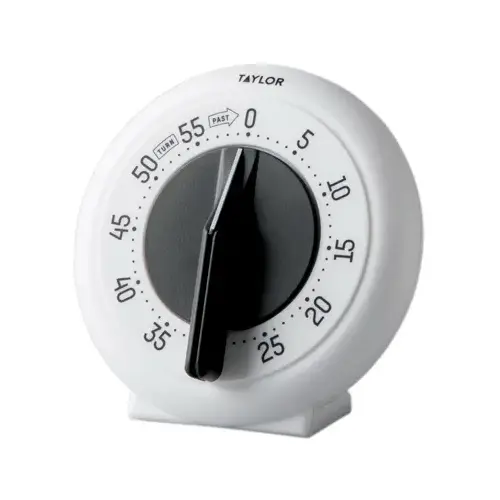
To replace the battery on your Taylor Timer 5831N21, follow these steps:
Turn off the timer: Make sure the timer is off before you start.
Open the battery compartment: The battery compartment is usually located on the back of the timer. Slide or pop open the compartment cover.
Remove the old batteries: Take out the old AAA batteries. Note the polarity to ensure you insert the new batteries correctly.
Insert new batteries: Place the new AAA batteries into the compartment, making sure the positive and negative ends are aligned correctly.
Close the battery compartment: Snap or slide the compartment cover back into place.