DK Hardware 2024-10-30 – 23:41:23
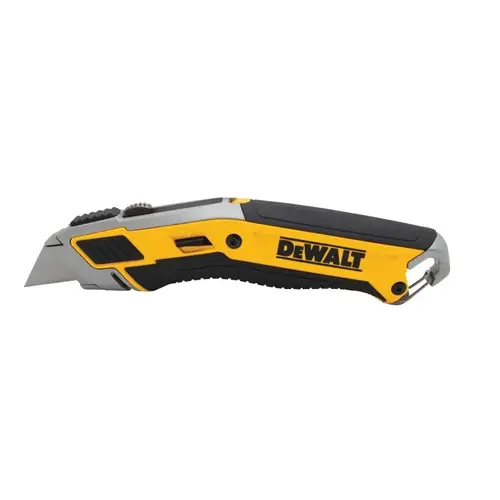
To change the blade on your DEWALT DWHT10295 Utility Knife, follow these steps:
Extend the Slider: Push the slider all the way forward.
Press the Release Button: Press and hold the release button (usually marked with an arrow).
Remove the Old Blade: Pull out the old blade while holding the button.
Insert the New Blade: With the slider still extended, insert the new blade and push it until it locks into place.
Release the Button: Release the button and ensure the new blade is securely locked