DK Hardware 2024-12-04 – 22:33:04
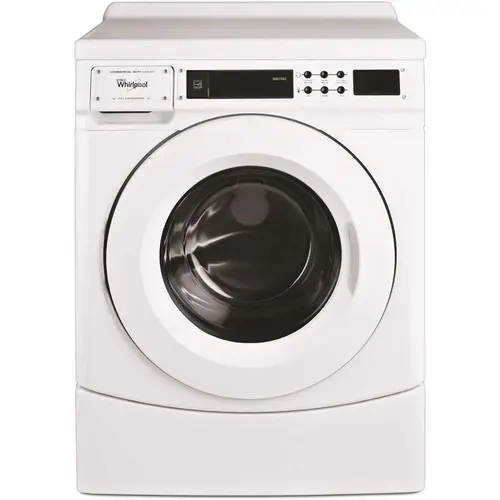
To start a cycle on the Whirlpool CHW9160GW 3.1 cu. ft. High-Efficiency White Front Load Commercial Washing Machine, follow these steps:
Turn on the Machine: Make sure the washing machine is plugged in and powered on.
Open the Door: Open the front door of the washing machine.
Load the Machine: Place your clothes inside the drum.
Add Detergent: Add the appropriate amount of detergent to the detergent dispenser.
Select the Cycle: Use the control panel to select the desired wash cycle. Press the corresponding button for the cycle you want to run.
Adjust Settings: If needed, adjust any additional settings such as water temperature, spin speed, or extra rinse.
Start the Cycle: Close the door and press the "Start" button to begin the cycle.