DK Hardware 2024-12-07 – 01:03:25
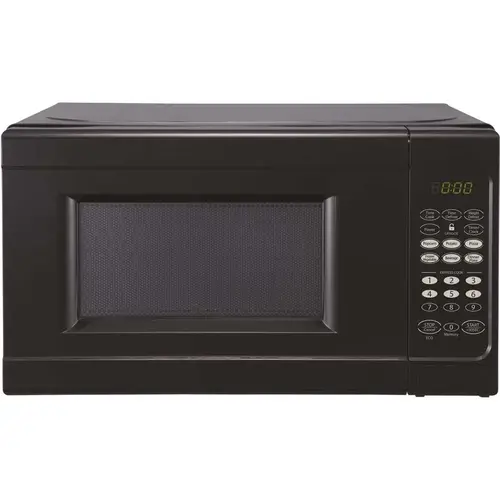
To replace the light bulb in your Seasons EM720CNF-PMB-CL 0.7cf Black Microwave, follow these steps:
Unplug the Microwave: Ensure the microwave is unplugged from the power source for safety.
Locate the Light Bulb Cover: The cover is usually located on the ceiling of the microwave's interior.
Remove the Cover: Use a screwdriver to remove the screws or gently pry open the clips to release the cover.
Unscrew the Old Bulb: Carefully unscrew the old bulb counterclockwise.
Insert the New Bulb: Screw the new bulb into the socket clockwise until it’s snug. Avoid overtightening.
Reattach the Cover: Place the cover back in position and secure it with the screws or clips.
Plug In and Test: Plug the microwave back in and turn it on to test the new bulb.