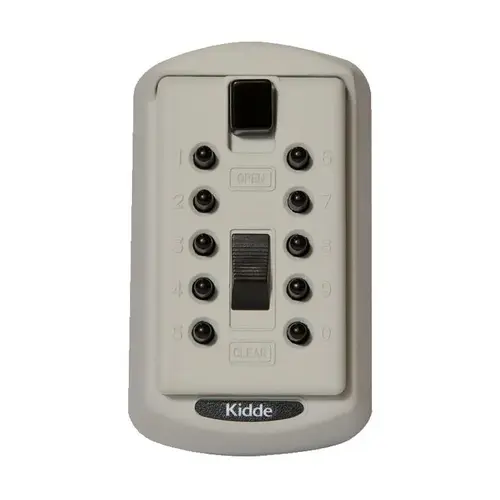
How do I change the combination? We don't have the directions.

profile-dk-logo
DK Hardware 2025-01-24 – 23:12:50
Technical Team

To change the combination on your Kidde 001371 S6 S6 KeySafe, follow these steps: Open the lock box using the current combination. Locate the arrows on the sliders. The arrows pointing downward indicate the current combination. Use the provided tool (usually a small screwdriver) to push and turn the arrows upward to reset the combination. Set your new combination by turning the arrows to match your new code. Test the new combination to ensure it works correctly. Cover the sliders with the cap to prevent accidental changes

Security, Architectural & Storefront

Security Solutions Image
View our complete selection of Security, Architectural & Storefront to find the one that suites your needs.