DK Hardware 2025-01-28 – 03:41:50
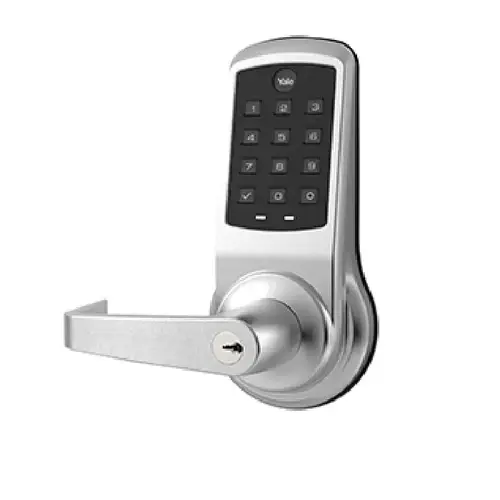
To change the access code on your Yale Commercial AU-NTB610-NR-2803-53L-626 Nextouch Keypad Access Bored Lock, follow these steps:
Activate the Lock: Touch the "Yale logo" on the keypad to wake up the lock
Enter Master Code: Input your 4-8 digit master passcode followed by the "Setting" button. Access Menu: The lock will display menu options. Enter the number corresponding to the "User Code" option. Select Code to Change: Press the "2" button and the "Setting" button. Press the "3" button and the "Setting" button. Enter Current Code: Input the code you want to change and press the "Setting" button. Enter New Code: Input the new code you want to use and press the "Setting" button. Confirm New Code: Re-enter the new code and press the "Setting" button to confirm