DK Hardware 2025-02-09 – 03:54:52
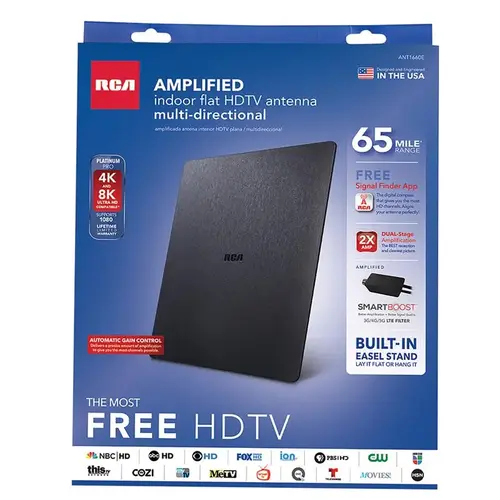
To connect the RCA ANT1660E Digital Amplified Flat Antenna to your Fire Stick TV, follow these steps:
Position the Antenna: Place the antenna in a location with a clear view of the sky, preferably near a window. Use the RCA Signal Finder App to find the best location1.
Connect the Coaxial Cable: Attach one end of the coaxial cable to the antenna and the other end to the coaxial input on your Fire Stick TV.
Plug in the Amplifier: Connect the amplifier insert to the antenna and plug it into a power outlet.
Turn on Your TV: Power on your Fire Stick TV and navigate to the settings menu.
Scan for Channels: Go to the TV settings and select the option to scan for channels. This will allow your TV to detect available channels1.
Once the scan is complete, you should be able to access over-the-air channels through your Fire Stick TV