profile-dk-logo
DK Hardware 2025-04-29 – 16:49:55
Technical Team

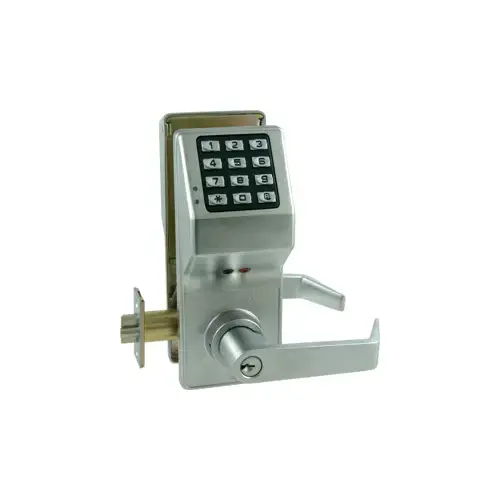
To change the code on the Alarm Lock DL2800 US26D Trilogy Electronic Digital Lever Lock, follow these steps: - Enter Programming Mode: Input the current Master Code (default is 123456) on the keypad. Wait for the green light to illuminate. - Change the Master Code: Press the AL button until you hear multiple beeps. Press the AL button again, then press 1. Enter your new 6-digit Master Code. Press the AL button, then re-enter the new code. Press the Star button to confirm. - Exit Programming Mode: Hold down any button for 3 seconds until the lock beeps multiple times.

Security, Architectural & Storefront

Security Solutions Image
View our complete selection of Security, Architectural & Storefront to find the one that suites your needs.