DK Hardware 2025-05-03 – 12:23:18
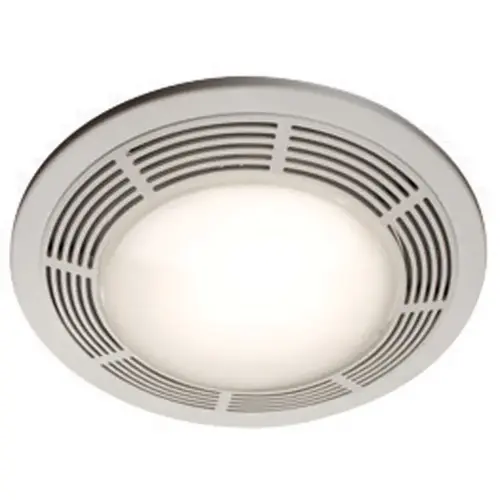
To change the light bulb in your Broan 750 Bathroom Ventilation Fan, follow these steps:
- Turn Off Power – Ensure the fan is switched off to avoid electrical hazards.
- Remove the Light Cover – Depending on the model, you may need to gently pry off the plastic lens or press in the tabs to release it.
- Take Out the Old Bulb – Turn the bulb counterclockwise to remove it from the socket.
- Insert the New Bulb – Place the new bulb into the socket and turn it clockwise to secure it.
- Reattach the Cover – Snap the lens back into place.
- Test the Light – Turn the power back on and check if the new bulb works.
For a visual guide, you can check the user manual for detailed instructions - https://www.manualslib.com/manual/812275/Broan-750.html