DK Hardware 2025-05-31 – 21:12:40
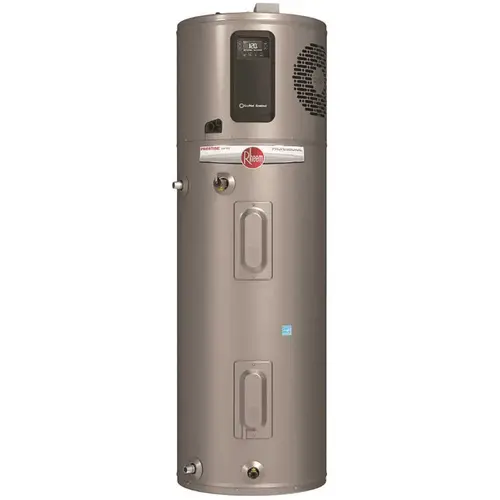
To use the WiFi function, press and hold the WiFi button for 5 seconds until the LED blinks. Then, use the EcoNet app to add the water heater by selecting your location and connecting to the heater’s WiFi network. Enter your router password in the app to complete setup. The LED will turn solid blue once connected.