profile-dk-logo
DK Hardware 2026-09-05 - 00:35:40
Technical Team

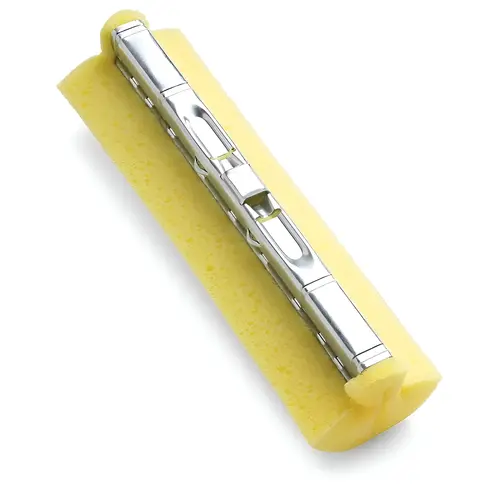
To install the Libman 2017 mop refill: 1. **Release:** Push the wringer lever forward (away from the handle) to extend the sponge. 2. **Remove:** Slide the old sponge off the mop head frame. 3. **Install:** Slide the new refill sponge onto the metal hook/rod until secure. 4. **Lock:** Pull the wringer lever back toward the handle grip. This locks the new sponge into the rollers.

Hardware, Tools & Sealants

Security Solutions Image
View our complete selection of Hardware, Tools & Sealants to find the one that suites your needs.