DK Hardware 2022-05-14 – 19:20:07
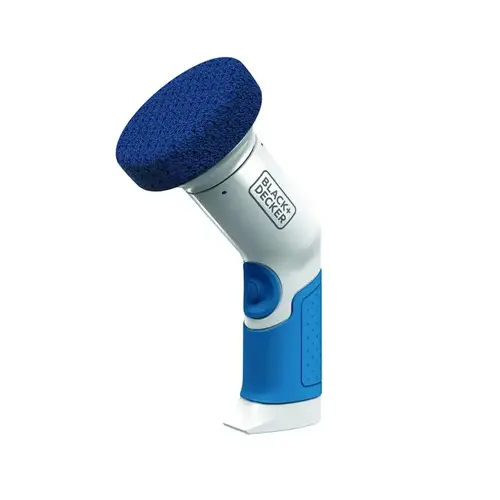
Batteries are accessed via the base of the tool. To access the battery compartment there are two raised buttons (either side of the tool) just above the battery compartment. These are at the base of the tool and are part of the rubberised handle. Squeeze/Press these buttons inwards (towards the centre of the tool) until you hear it click, to release the battery cap and remove the batteries. For the Household and Pro Detailer models insert new batteries in the correct configuration. This configuration is printed on the dividing section within the handle (look inside the battery compartment with batteries removed). Replace the battery cap by lining up the printed dot on the cap with the printed dot on the tool, and push until it clicks. For the Professional, reinsert the battery once recharged. Align +/- symbols on the battery pack with +/- symbols at the base of the tool and push until it clicks.