DK Hardware 2023-03-11 – 22:00:07
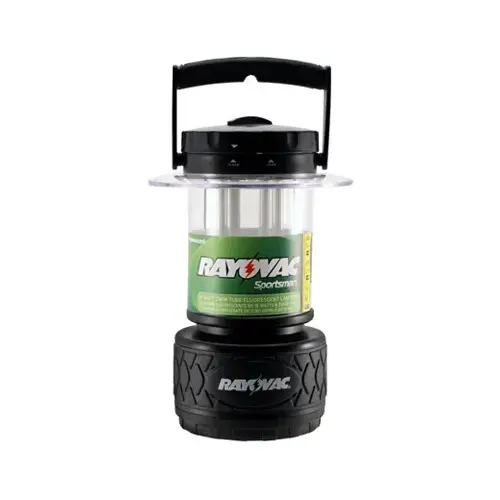
To change the batteries in the Rayovac SPLN8D-TA Lantern, follow these steps:
Turn the Lantern Upside Down:
Hold the lantern upside down.
Locate the rubber base at the bottom.
Remove the Cover:
While holding the lantern upside down, turn the rubber base to the left.
The cover will come off, revealing the battery compartment.
Replace the Batteries:
Take out the old batteries.
Insert new D-cell batteries (make sure they are properly oriented).
Secure the Cover:
Place the cover back on the battery compartment.
Turn the rubber base to the right to secure it in place.
Test the Lantern:
Turn on the lantern to ensure it’s working with the new batteries.