DK Hardware 2024-03-26 – 01:54:30
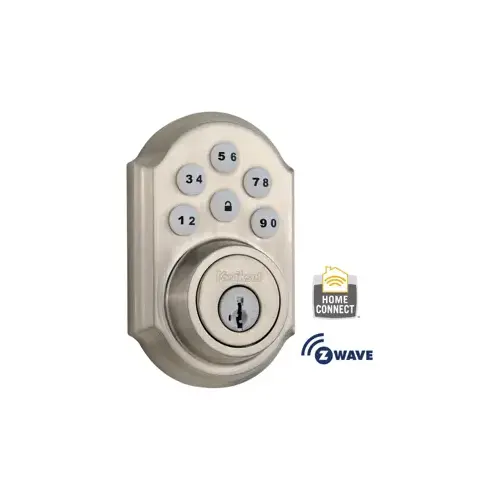
To reset the lock button on the Z-Wave Smartcode 6-Button Electronic Deadbolt, follow these steps:
Enter Programming Mode:
Press and hold the Program button (usually located on the interior side of the deadbolt).
Keep holding the button until the status LED flashes.
Factory Reset:
Release the Program button.
Within 10 seconds, press the Program button again.
The status LED will flash three times to indicate that the lock has been reset to factory settings.
Re-Programming:
Now you need to re-program your lock:
Enter your user code (if you have one).
Press the lock button once.
The status LED should light up to confirm successful programming.
Test the Lock:
Test the lock by locking and unlocking it using the keypad or the physical key.
Ensure that the lock button now functions as expected.