DK Hardware 2024-05-22 – 21:33:23
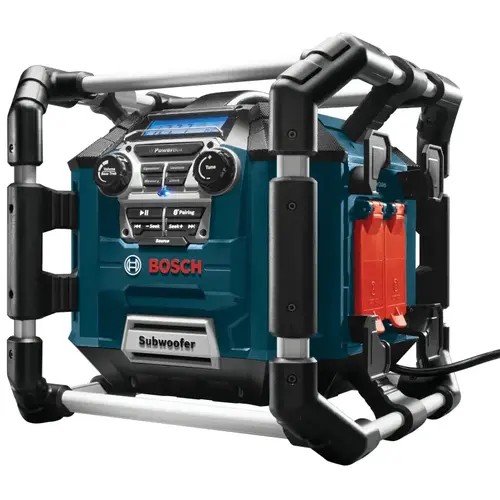
To connect your Bosch PB360C Power Box Jobsite Radio to Bluetooth, follow these steps:
Turn on the Radio: Make sure your radio is powered on.
Enable Bluetooth Mode:
Press the Bluetooth button on the radio. This will activate the Bluetooth mode.
The radio’s display should indicate that it’s ready to pair with a device.
Pair with Your Device:
On your smartphone or tablet, go to the Bluetooth settings.
Look for available devices and select “Bosch PB360C” from the list.
Follow any on-screen prompts to complete the pairing process.
Confirm Connection:
Once paired, the radio’s display should show that it’s connected to your device.
You can now stream music or other audio content from your device to the radio.