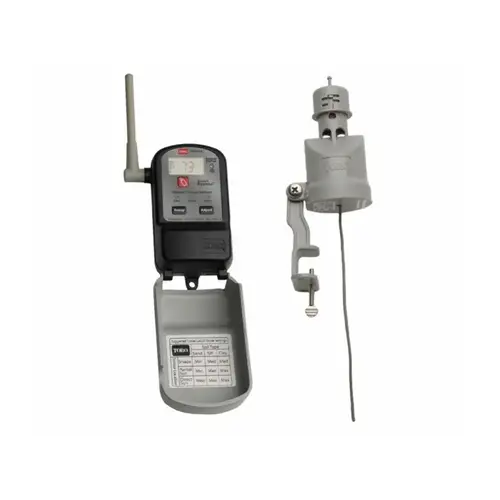
How to change the rain sensor batteries

To change the batteries in the Toro TWRFS Wireless Rain Freeze Sensor, follow these steps: 1.Remove the Cover: Locate the cover of the rain sensor unit. This cover is typically secured with screws or clips. Use a screwdriver or appropriate tool to remove the screws or release the clips securing the cover. Set aside the screws or clips safely. 2.Access the Battery Compartment: Once the cover is removed, you should see the battery compartment inside. Identify the type and number of batteries required. The Toro TWRFS Wireless Rain Freeze Sensor often uses AA or AAA batteries, but check the label or manual for confirmation. 3.Replace the Batteries: Remove the old batteries from the compartment, ensuring to dispose of them properly according to local regulations. Insert new batteries into the compartment, observing correct polarity (positive and negative orientation). 4.Close the Battery Compartment: After inserting the new batteries, close the battery compartment securely. 5.Replace the Cover: Align the cover back over the battery compartment. Secure the cover using the screws or clips that were removed initially. 6.Test the Sensor: Once the new batteries are installed and the cover is securely in place, test the Toro TWRFS Wireless Rain Freeze Sensor to ensure it is functioning correctly. Trigger the sensor manually or wait for natural rain or freeze conditions to confirm proper operation.