DK Hardware 2024-07-10 – 02:40:16
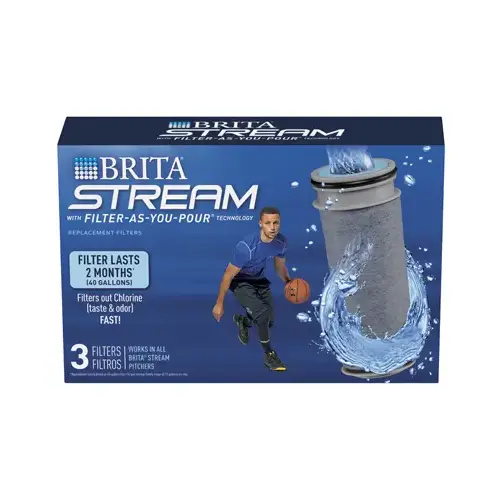
Replacing the Brita Stream Pitcher Pour Replacement Filter can be straightforward if you follow these steps. Here’s a quick guide to help you out:
Remove the Old Filter:
Ensure your hands are clean.
Take out the filter from the pitcher. If it’s stuck, gently wiggle it back and forth to loosen it.
Prepare the New Filter:
Remove the new filter from its packaging.
Rinse the filter under cold water for about 15 seconds.
Insert the New Filter:
Place the new filter into the filter cage with the blue ring facing up.
Press down until you hear a click, indicating it’s securely in place.
Reassemble the Pitcher:
Attach the filter cage back onto the lid by twisting it into place.
Fill the pitcher with water and discard the first pitcher of water to flush out any carbon dust.
Activate the Filter Indicator:
If your pitcher has an electronic filter indicator, reset it according to the manufacturer’s instructions.
If the filter is particularly hard to remove, you might try soaking the filter area in warm water for a few minutes to help loosen it.