DK Hardware 2024-12-10 – 15:15:53
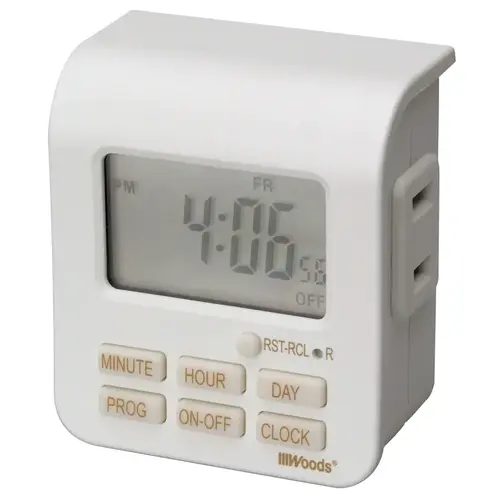
Here are the steps to set up the Woods 50008 Digital Timer:
1 - Plug in the Timer: Insert the timer into the wall outlet.
2 - Set the Current Time: Press and hold the Set button until the display starts flashing. Use the plus (+) and minus (-) buttons to set the current time.
3 - Program the On Time: Press the Program button, then press the Set button. Use the plus (+) and minus (-) buttons to set the time you want the device to turn on.
4 - Program the Off Time: Press the Program button again, then press the Set button. Use the plus (+) and minus (-) buttons to set the time you want the device to turn off.
5 - Exit Programming Mode: Press the Clock button to exit programming mode